RoomGroup
The RoomGroup is the top-level container for a scene. It does three things the other groups don’t:
- Infers a room size large enough to hold everything you place in it.
- Exposes a grid of named positions (center, walls, corners) for furniture.
- Builds the architecture — walls, floor, ceiling, doors, and windows — and mounts objects on the walls.
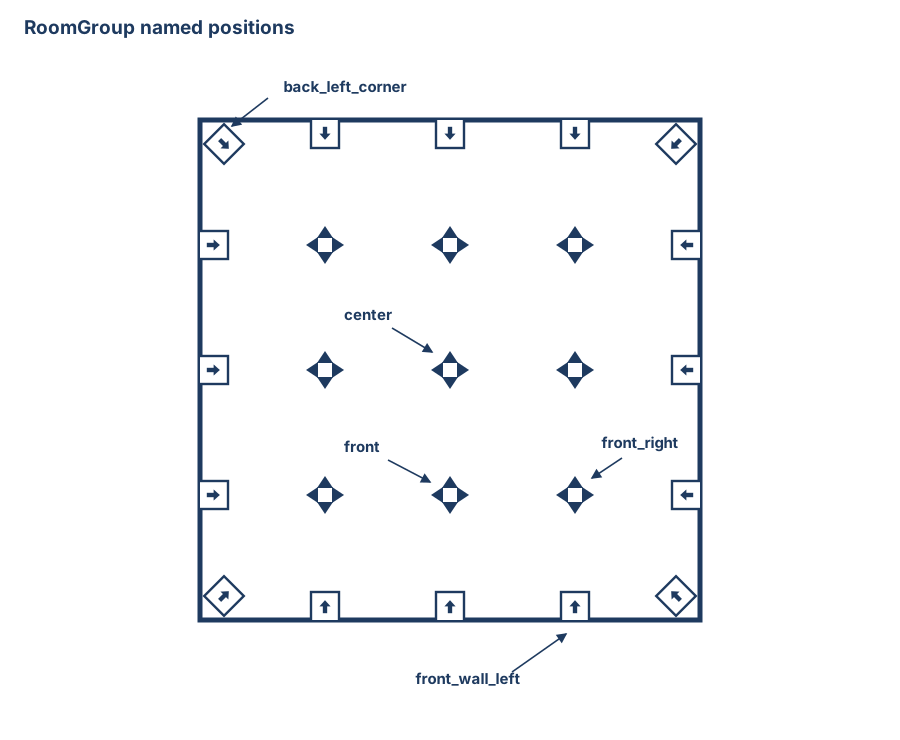
The named positions: wall and corner slots on the boundary (each pointing into the room), and a 3×3 grid of free-standing floor positions whose facing you choose per call.
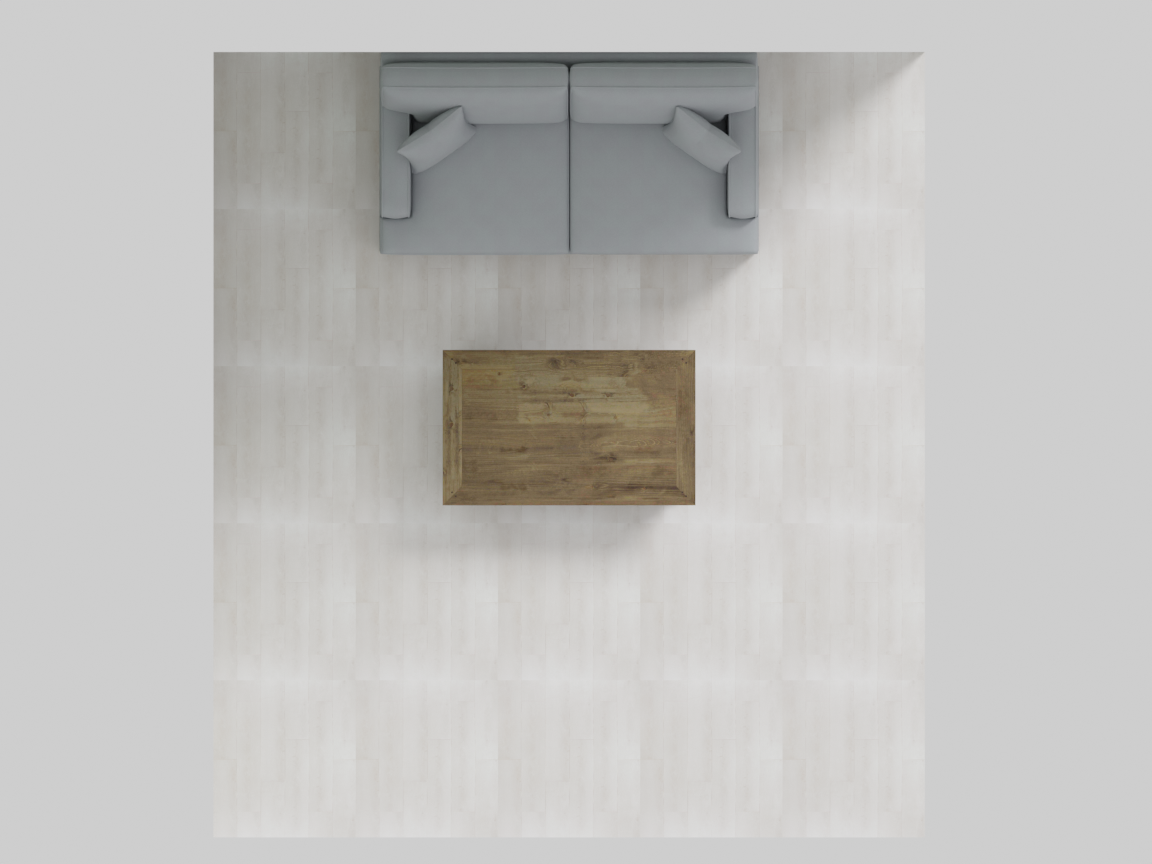
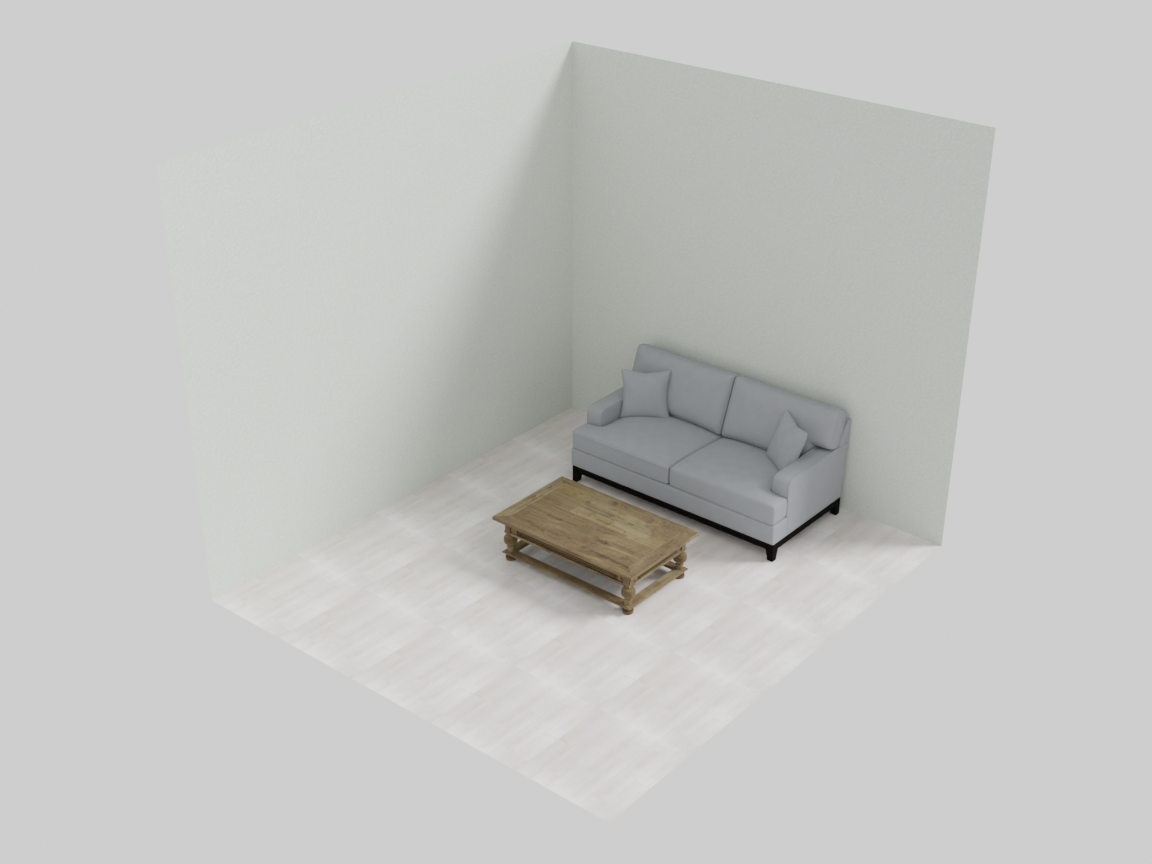
with scene.RoomGroup() as room:
    room.place_on_back_wall_center(sofa, facing="front")
    room.place_walls(
        floor_texture="light oak wood floor",
        ceiling_texture="smooth white ceiling",
        wall_texture="warm off-white painted wall",
    )
Automatic room sizing
You never specify room dimensions directly. The RoomGroup measures everything you place in it and computes a WIDTH, DEPTH, and HEIGHT that fit. The optional modulate_scale parameter scales the inferred room up or down:
with scene.RoomGroup(modulate_scale=1.5) as room:   # 50% more breathing room
    ...
| Parameter | Type | Default | Description |
|---|---|---|---|
modulate_scale | float | 1.0 | Multiplier on the inferred room size. >1 adds space; <1 tightens. |
randomness | float | 0.0 | Positional jitter for free-standing floor placements (below). |
After compilation the room’s dimensions are available as room.WIDTH, room.DEPTH, room.HEIGHT.
Natural variation: randomness
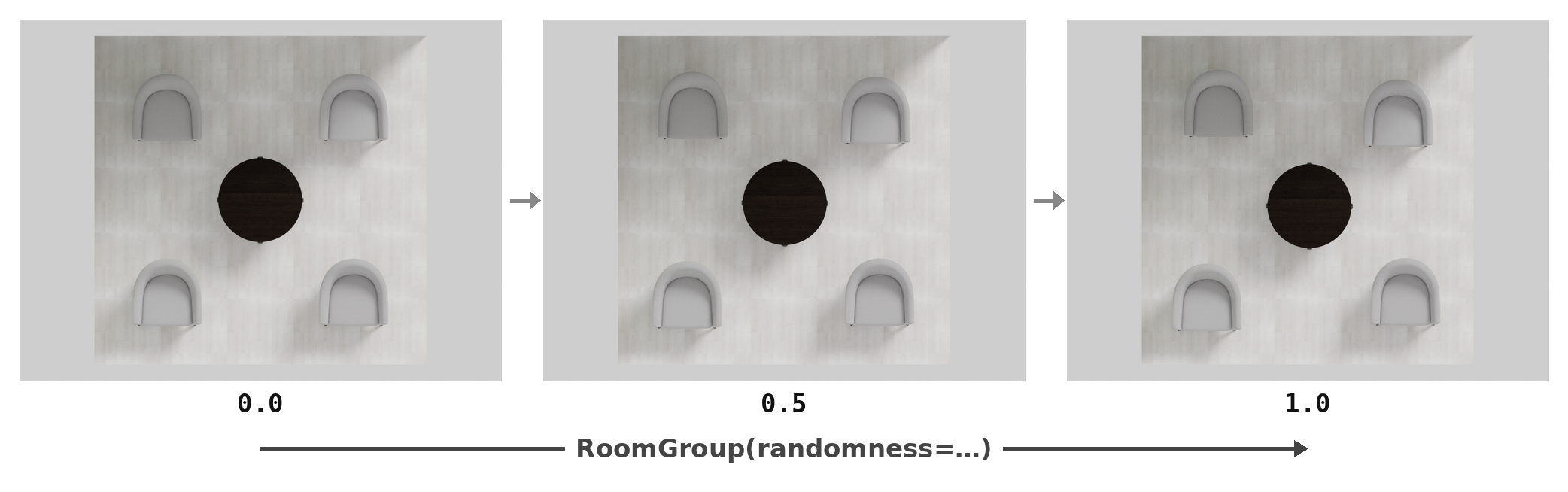
A perfectly gridded room reads as staged. RoomGroup(randomness=...) (in [0, 1], deterministic under the scene seed) lets each free-standing floor placement wander within the free space of its own layout slot — a large object in a tight slot barely moves, a small object in a roomy slot moves more. It is translation only, and floor slots only: wall-adjacent, corner, and wall-hung placements never drift (a sideboard half-detached from its wall would look wrong), and facing is always preserved.
Floor positions
These place an object (or a whole group) on the floor at a named position. Each accepts an optional facing argument ("front", "back", "left", "right"); if omitted, a sensible orientation is inferred from the position.
| Region | Methods |
|---|---|
| Center | place_on_center |
| Mid-edges | place_on_back, place_on_front, place_on_left, place_on_right |
| Quadrants | place_on_back_left, place_on_back_right, place_on_front_left, place_on_front_right |
| Corners | place_on_back_left_corner, place_on_back_right_corner, place_on_front_left_corner, place_on_front_right_corner |
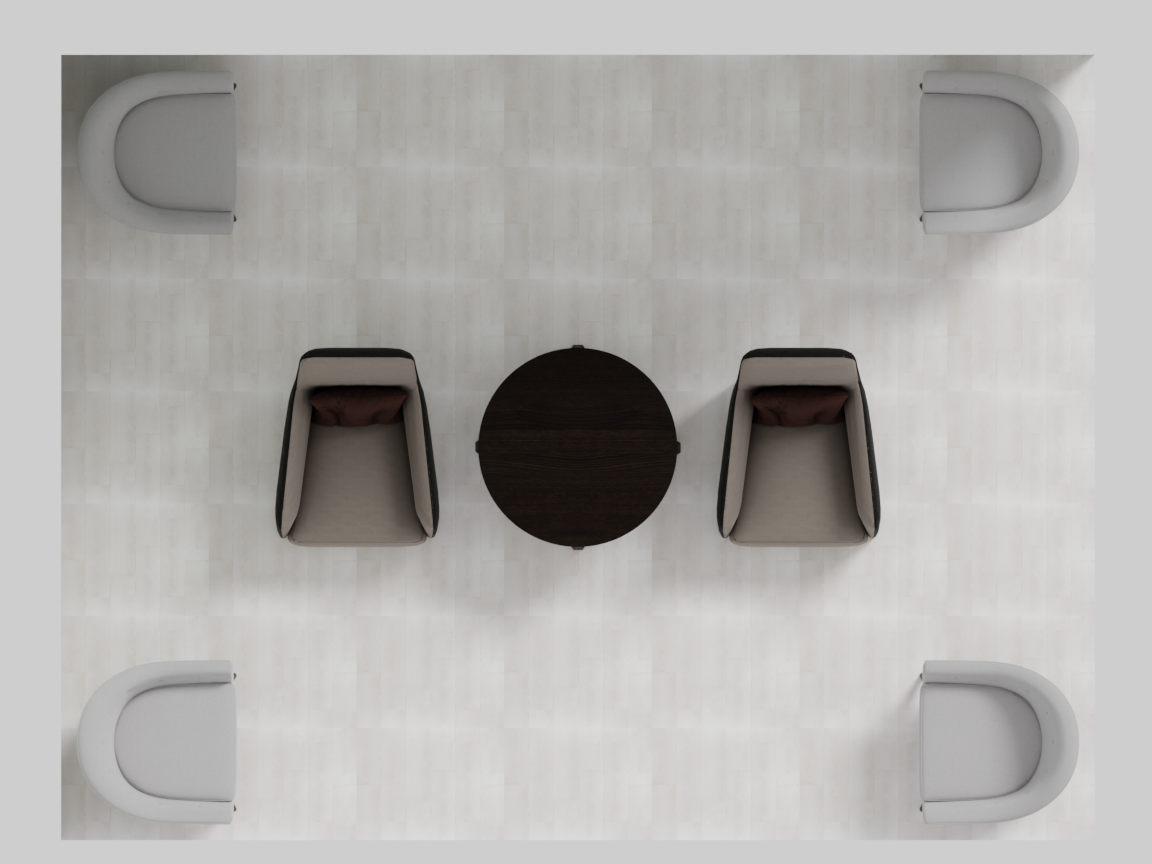
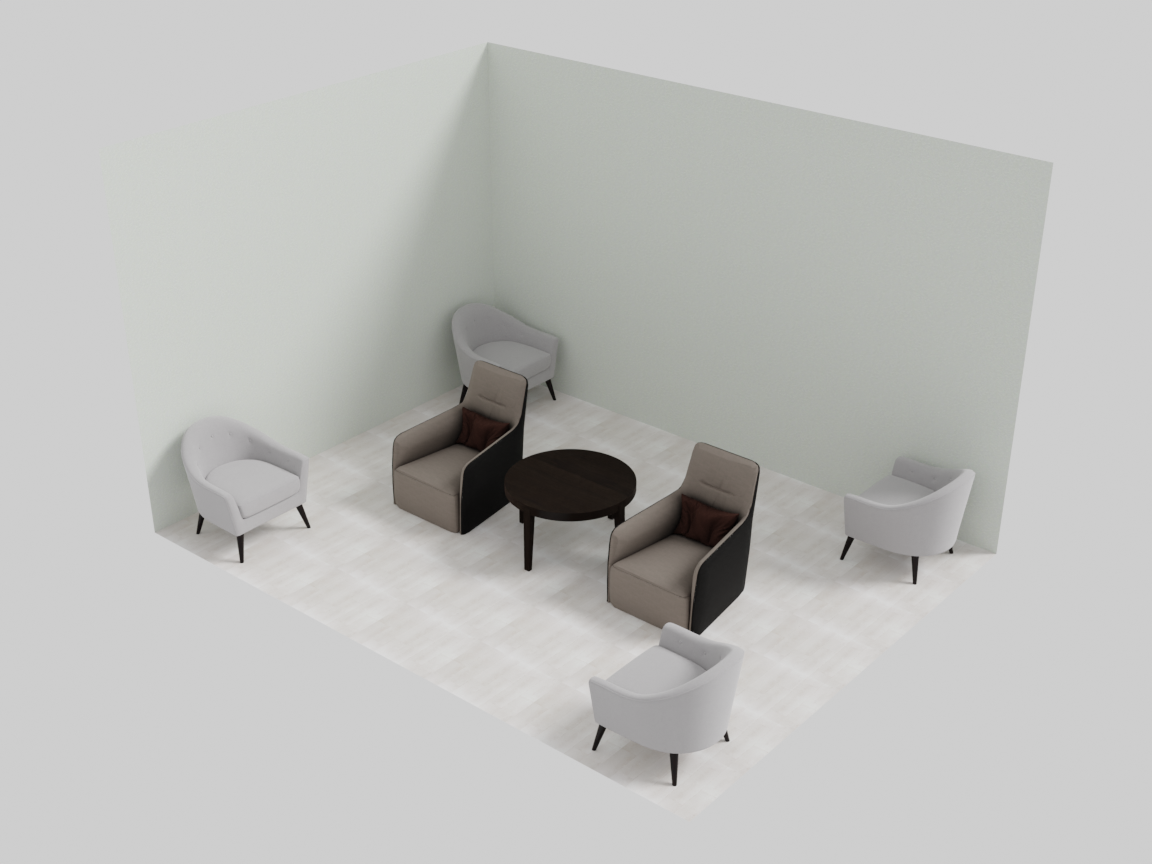
The scene above places a round table at the center, accent chairs in the four corners, and lounge chairs at the left and right mid-edges — all without a single facing argument. Look at the chairs: each corner chair is angled into the room, and the mid-edge chairs face the center. That is the inferred orientation at work — a chair facing the wall would be obviously wrong, so the position itself supplies a sensible default facing.
Against-the-wall positions
These push furniture flush against a wall, in one of three slots per wall (left / center / right). The object is turned to face into the room.
| Wall | Methods |
|---|---|
| Back | place_on_back_wall_left, place_on_back_wall_center, place_on_back_wall_right |
| Front | place_on_front_wall_left, place_on_front_wall_center, place_on_front_wall_right |
| Left | place_on_left_wall_left, place_on_left_wall_center, place_on_left_wall_right |
| Right | place_on_right_wall_left, place_on_right_wall_center, place_on_right_wall_right |
with scene.RoomGroup() as room:
    room.place_on_back_wall_center(sofa, facing="front")
    room.place_on_front_wall_center(console, facing="back")
    room.place_on_left_wall_center(bookshelf, facing="right")
    room.place_on_right_wall_center(sideboard, facing="left")
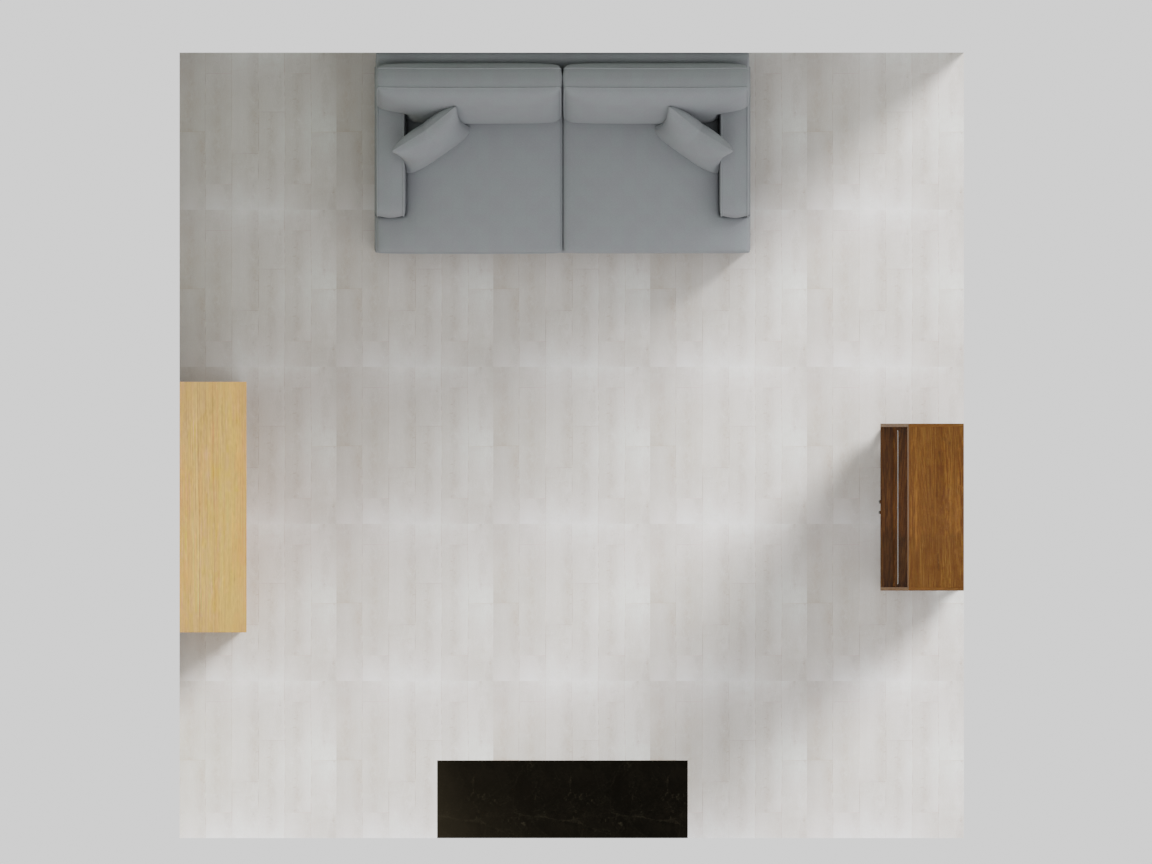
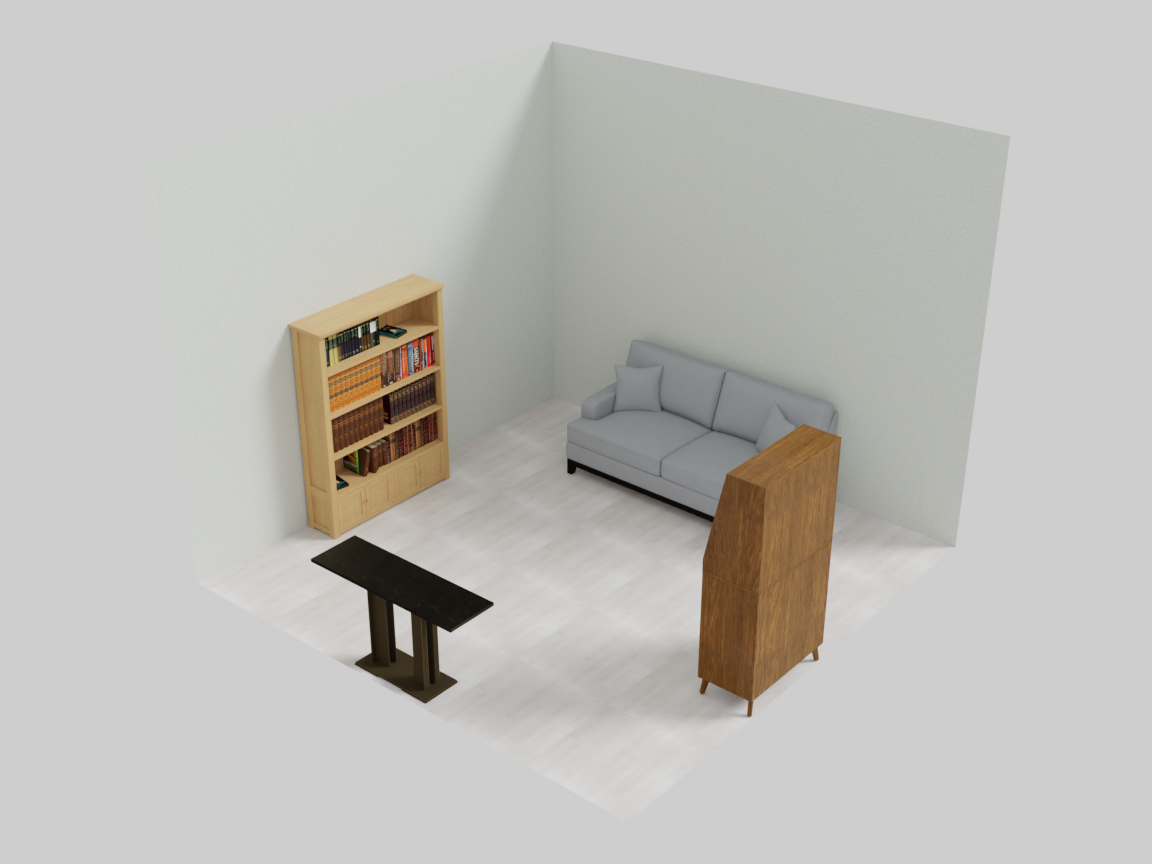
Every piece sits flush to its wall and faces into the room — the top view shows all four walls claimed by one method call each.
Wall-mounted objects
Objects hung on a wall (paintings, mirrors, TVs) rather than standing on the floor. They are scaled to a sensible size for the wall and marked ignore_overlap.
| Method | Behavior |
|---|---|
place_on_wall_<wall>_<slot>(obj) | Hang obj on the given wall/slot (e.g. place_on_wall_back_center). If furniture stands in that slot, the art is hung above it; otherwise it is centered at mid-wall height. |
place_on_wall_freeform(wall, objs) | Spread several objects evenly across a wall (a gallery wall). |
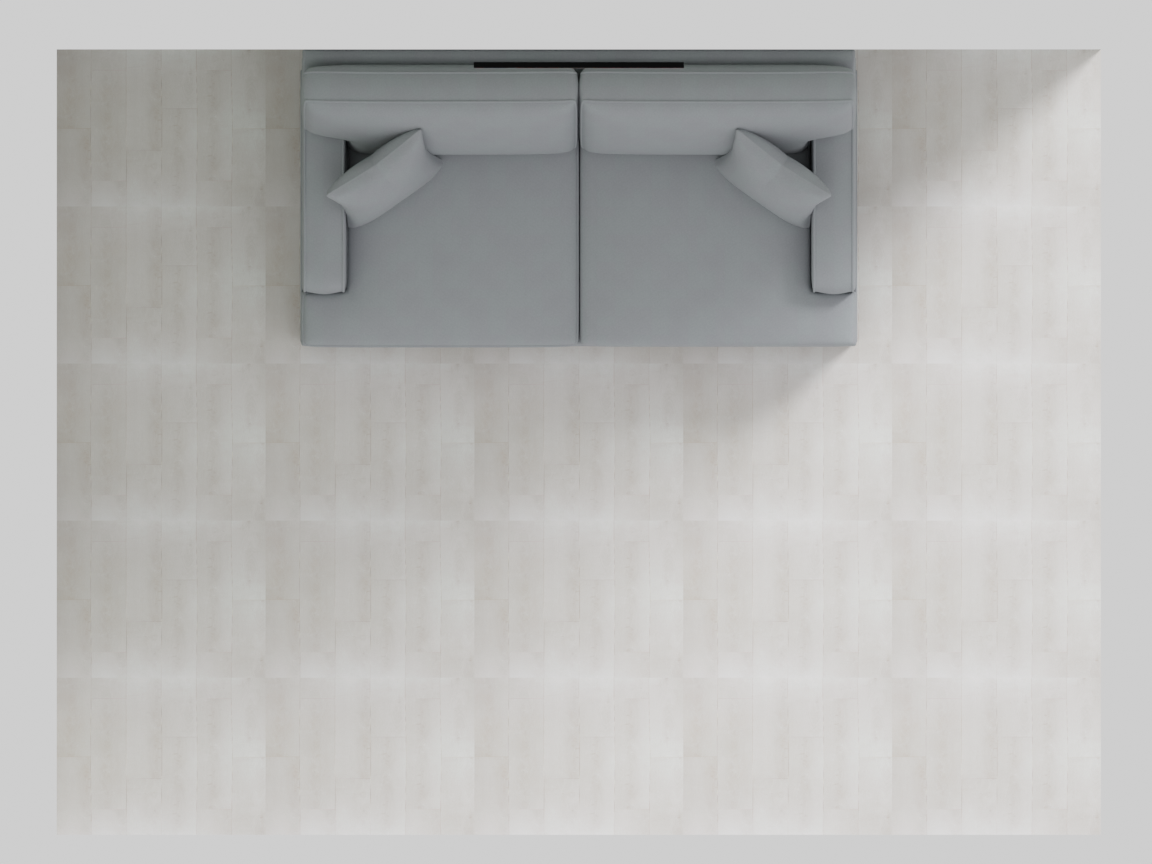
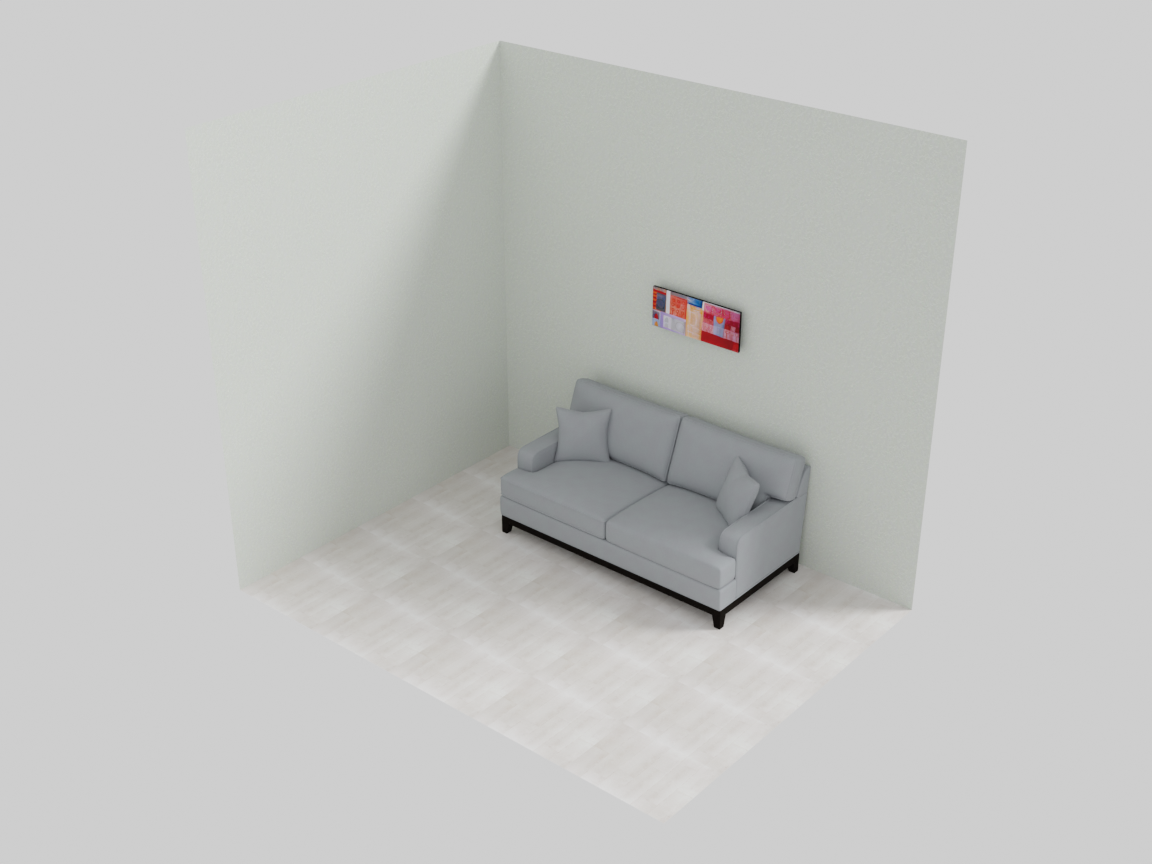
with scene.RoomGroup() as room:
    room.place_on_back_wall_center(sofa, facing="front")
    room.place_on_wall_back_center(painting)   # hung above the sofa
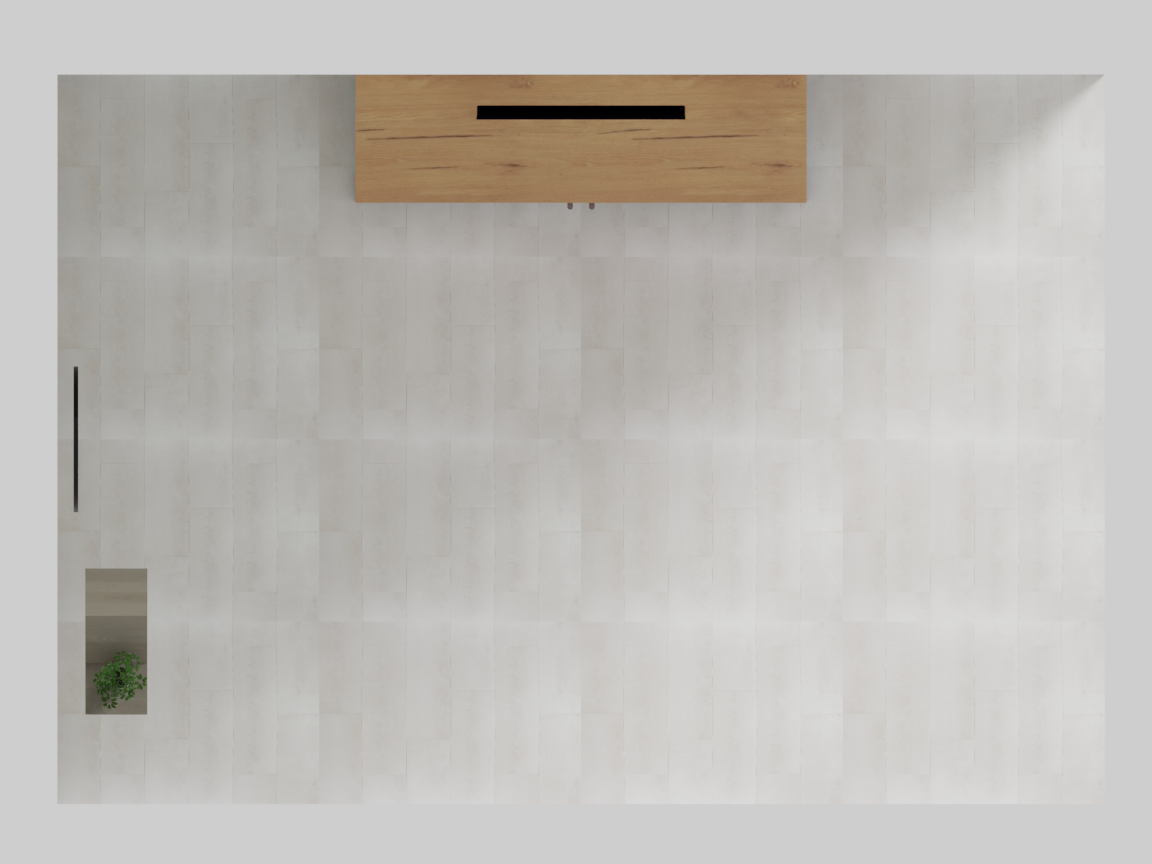
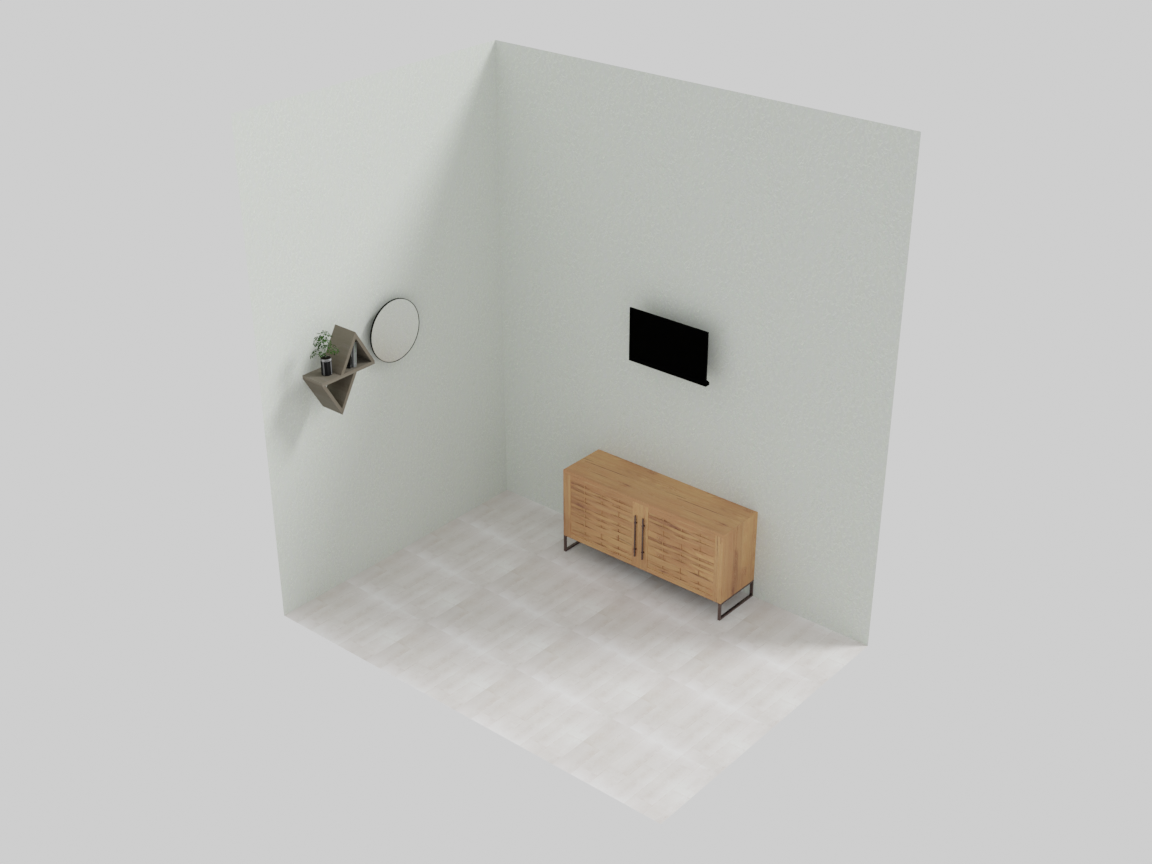
Anything flat-backed hangs the same way — a TV above its media console, a mirror or floating shelf on a side wall:
room.place_on_back_wall_center(console, facing="front")
room.place_on_wall_back_center(tv)        # mounted above the console
room.place_on_wall_left_center(mirror)
room.place_on_wall_left_left(shelf)
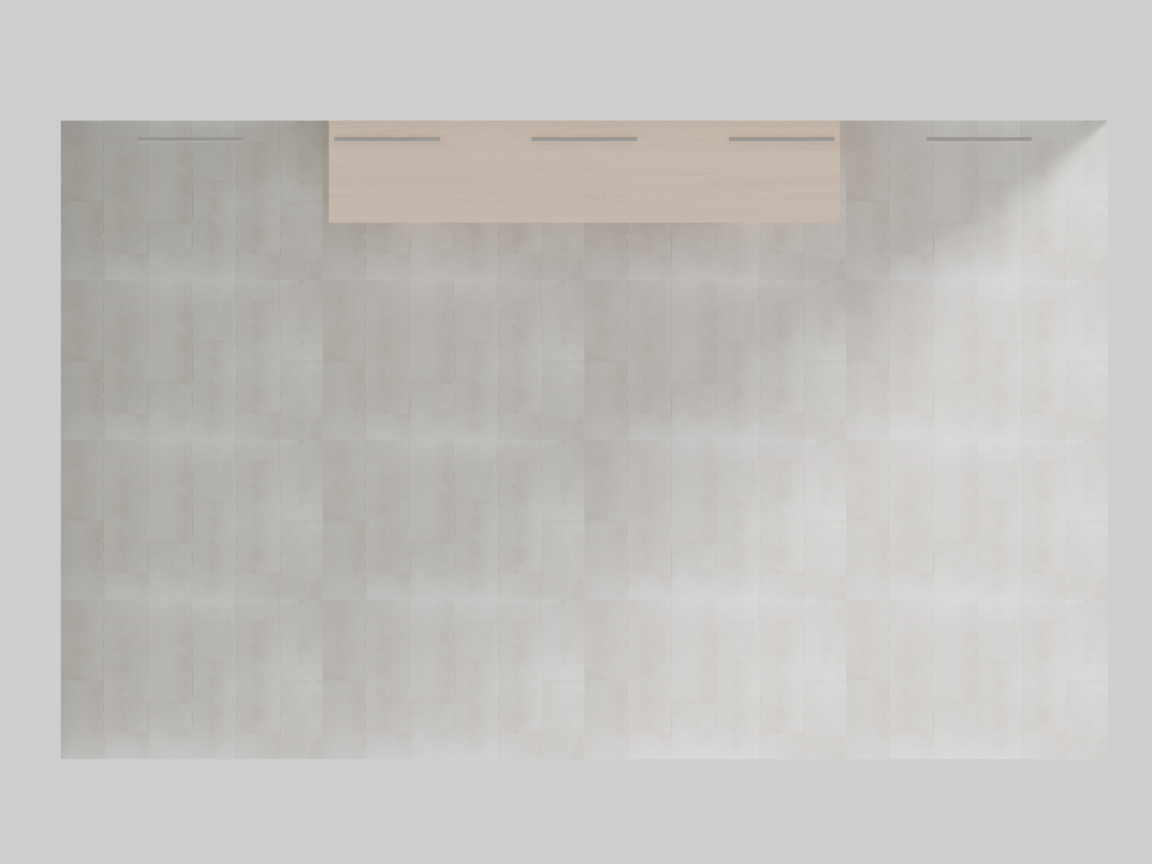
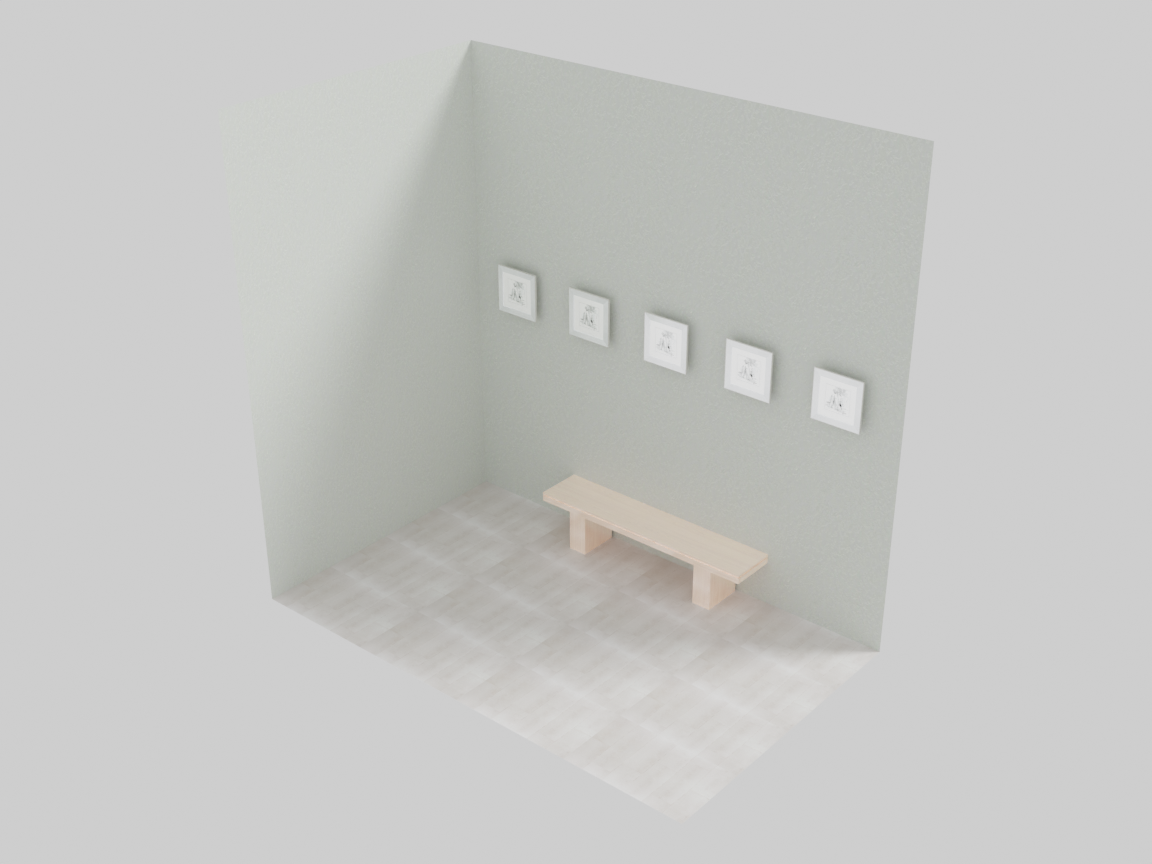
For many pieces on one wall, place_on_wall_freeform spreads them evenly — a gallery wall in one call:
art = scene.AddAsset("a small framed art print")
room.place_on_wall_freeform("back_wall", 5 * art)   # call after place_walls(...)
Architecture: walls, doors, windows
place_walls(floor_texture, ceiling_texture, wall_texture)
Builds the four walls, the floor, and the ceiling, each textured from a natural-language description.
| Parameter | Description |
|---|---|
floor_texture | Description of the floor material (e.g. "light oak wood floor"). |
ceiling_texture | Description of the ceiling material. |
wall_texture | Description of the wall material. |
place_door(wall, position)
Cuts a door into a wall.
| Parameter | Description |
|---|---|
wall | "back_wall", "front_wall", "left_wall", or "right_wall". |
position | "left", "center", or "right" slot on that wall. |
Windows
Three window styles, each cut into a wall and optionally fitted with a curtain (curtain is a texture description).
| Method | Description |
|---|---|
place_window_picture(wall, curtain=None) | A wide, fixed picture window. |
place_window_floor_to_ceiling(wall, curtain=None) | A full-height window spanning the wall. |
place_window_standard(wall, position, curtain=None) | A standard window in the left/center/right slot. |
room.place_walls(floor_texture="light oak wood floor",
                 ceiling_texture="smooth white ceiling",
                 wall_texture="warm off-white painted wall")
room.place_door("left_wall", position="left")
room.place_window_picture("back_wall")
room.place_window_standard("left_wall", position="right")
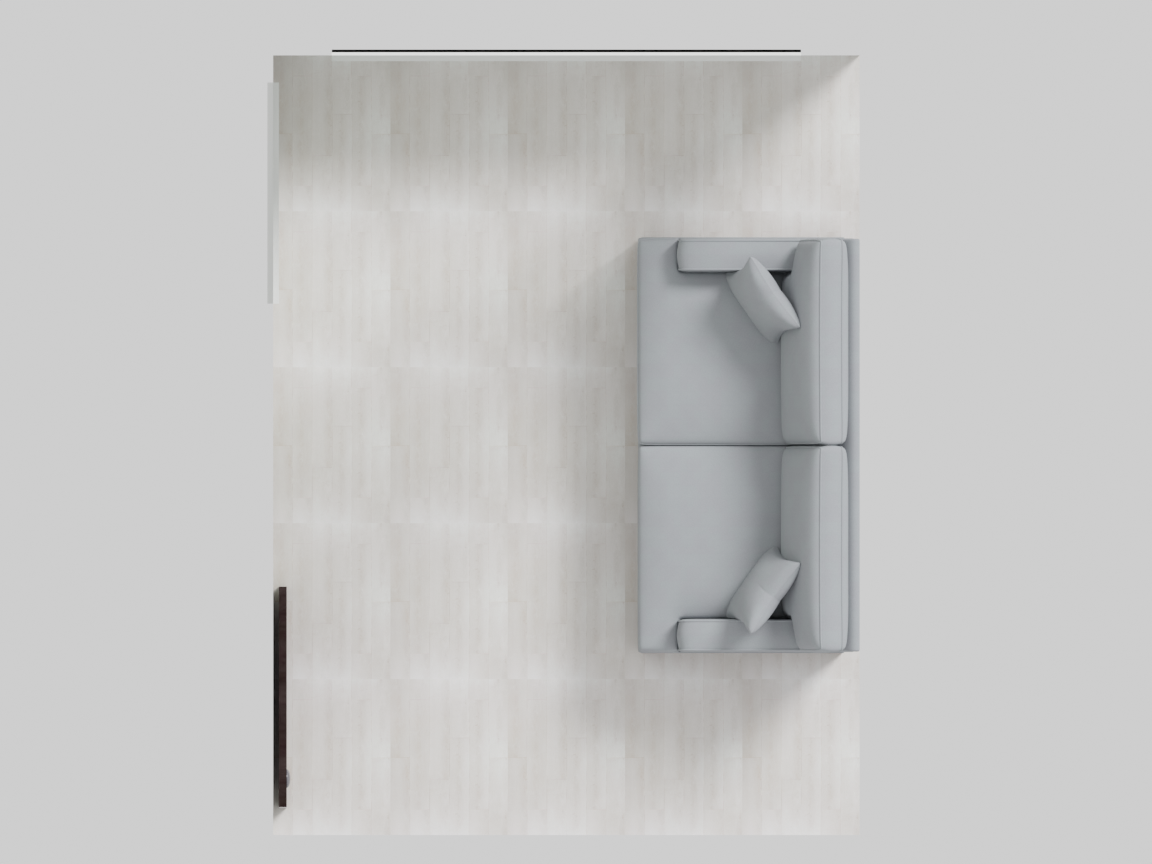
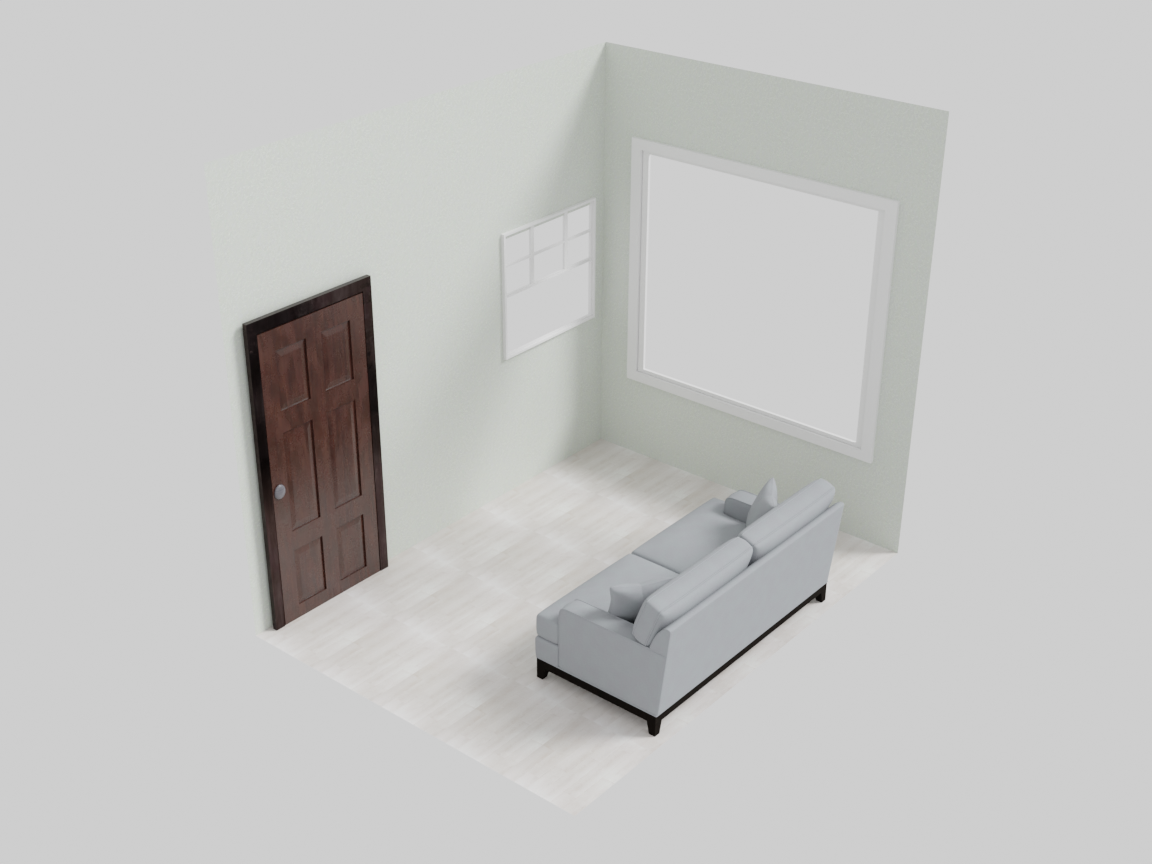
The cutaway shows all three: a door in the left wall, a picture window across the back, and a standard window in the left wall’s right slot. Doorways automatically keep a patch of floor clear in front of them, so furniture never blocks a door.
Compilation order
RoomGroup compilation is more involved than the other groups, because architecture must be resolved after furniture:
- Floor and against-wall furniture are placed, and the room size is inferred.
- Child groups compile (each frozen group is treated as one rigid unit).
OverlapConstraintandOutOfBoundsConstraintrun, then the gradient solver nudges everything into a non-overlapping, in-bounds layout.- Wall-mounted objects, doors, and windows are placed (they depend on final furniture positions).
- VLM checks (
RoomProportionsConstraint,WallOverlapConstraint) run.
See Hierarchical Layout & Parent–Child Relationships for how nested groups behave during step 2–3.
Next: how nested groups, freezing, and the compile order fit together — Hierarchical Layout & Parent–Child Relationships.