Getting Started
This page walks through a complete InteriorAgent-IDSDL program from start to finish so you can see the overall workflow before diving into the reference pages. Every scene you build follows the same three steps:
- Register objects — describe the assets you want in natural language.
- Place them with groups — arrange objects using spatial abstractions (relative, around, grid, room).
- Compile and export — the language resolves the layout, runs optimization, and writes a
.blendfile you can open in Blender.
A complete example
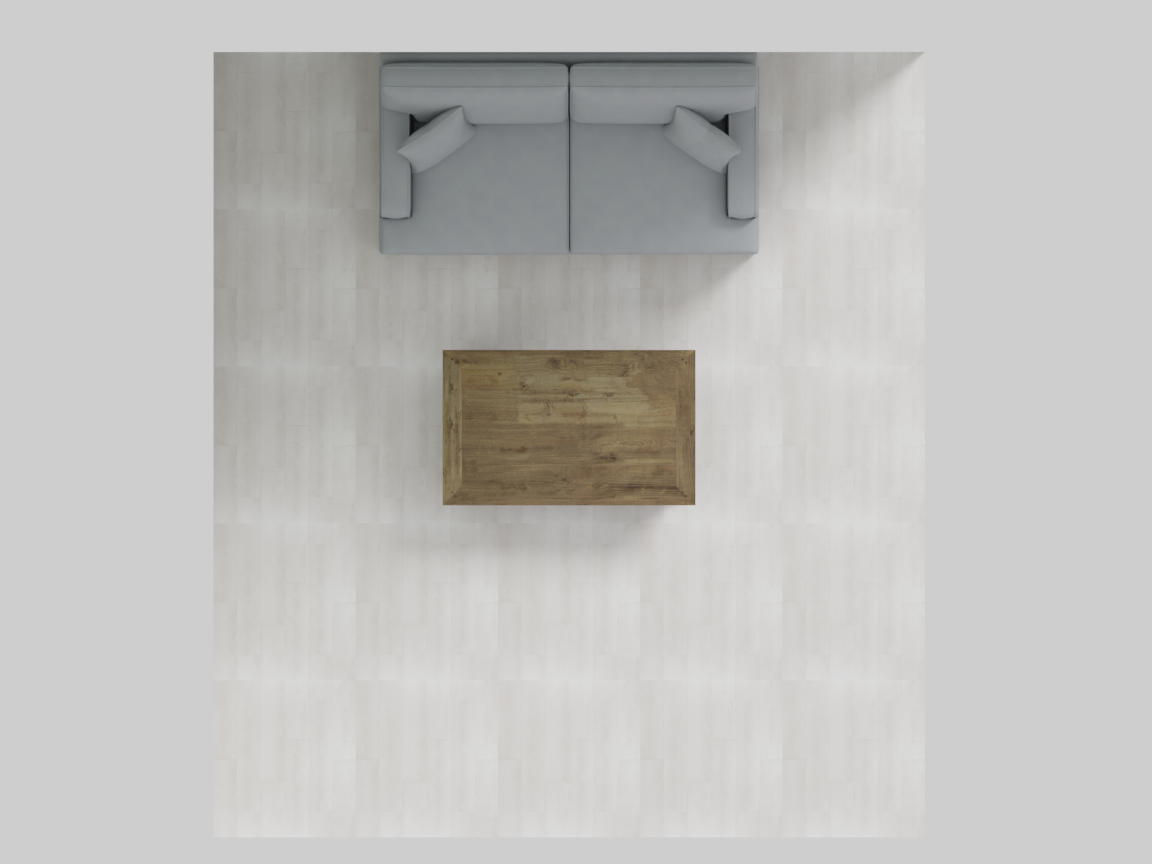
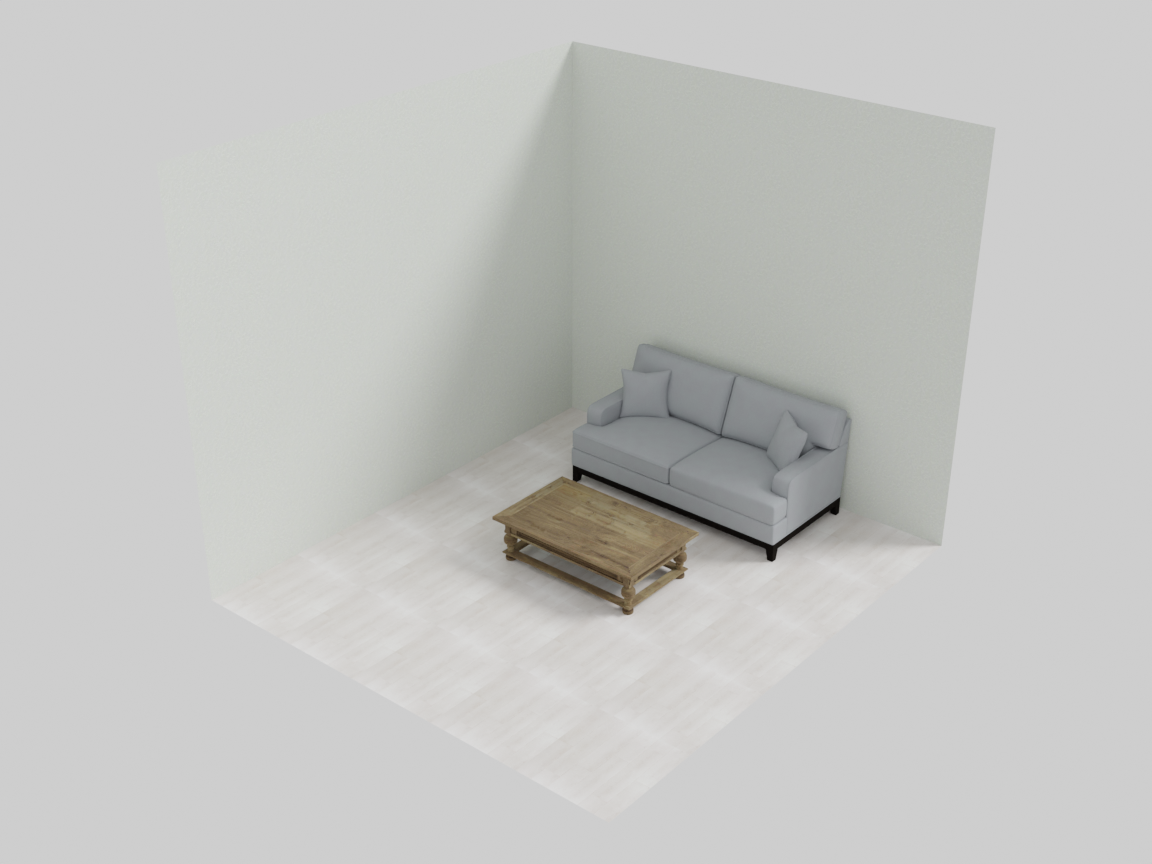
The program below builds a small living room: a sofa with a coffee table in front of it, placed against the back wall of a room with textured walls.
from IDSDL.scene import SceneProgRoom

# 1. Initialize a scene
scene = SceneProgRoom("living_room", seed=42)

# 2a. Group the sofa and coffee table into a reusable seating unit
with scene.RelativeGroup() as seating:
    sofa  = scene.AddAsset("a modern gray sofa")
    table = scene.AddAsset("a wooden coffee table")
    seating.set_anchor(sofa)            # the sofa anchors the group
    seating.place_on_front(table)       # table goes in front of the sofa

# 2b. Place the seating unit into a room and add walls
with scene.RoomGroup() as room:
    room.place_on_back_wall_center(seating, facing="front")
    room.place_walls(
        floor_texture="light oak wood floor",
        ceiling_texture="smooth white ceiling",
        wall_texture="warm off-white painted wall",
    )

# 3. Export the result
scene.export("living_room.blend")
This is the scene it builds:
What happened
SceneProgRoom("living_room", seed=42)creates an empty scene. Theseedmakes asset retrieval reproducible — the same description always returns the same mesh.scene.AddAsset(...)retrieves a 3D asset that matches the natural-language description and registers it with the scene.scene.RelativeGroup()opens a group context. Inside thewithblock you declare intent (“the table goes in front of the sofa”) rather than absolute coordinates. When the block closes, the group compiles: it resolves all placements, runs overlap and proportion optimization, and freezes into a single reusable unit.scene.RoomGroup()infers a room large enough for its contents, places the seating unit against the back wall, and builds textured walls, a ceiling, and a floor.scene.export(...)writes the.blendfile.
The coordinate system
IDSDL uses a right-handed coordinate system where the floor is the XZ plane and Y is up:
- X — left ↔ right (width)
- Z — back ↔ front (depth)
- Y — down ↔ up (height)
Rooms span x ∈ [0, WIDTH] and z ∈ [0, DEPTH], with the back wall at z = 0 and the front wall at z = DEPTH. Most placement reasoning happens in the XZ (floor) plane; the Y coordinate is computed automatically so objects rest on the floor (or on top of other objects).
Where to go next
- Object Registration — everything you can do with an individual asset: retrieval, scaling, rotation, copying, geometry queries, lighting.
- Groups — the four group types that arrange objects, plus how groups nest to form hierarchies.
- Constraints — the optimization layer that refines layouts for plausibility.
- MCP Quickstart — drive the whole pipeline from an AI agent instead of writing programs by hand.
- Worked Examples — 55+ finished scenes with the layout patterns and lessons behind them.